
CS2 clips for TikTok, YouTube Shorts and Reels
Short-form apps want vertical video. ZeTaX Studio exports your CS2 highlights in 9:16, cut to the beat of a track, so a clip is ready to post without another editor.
From your match to a vertical video
- Record a few highlights from your matches.
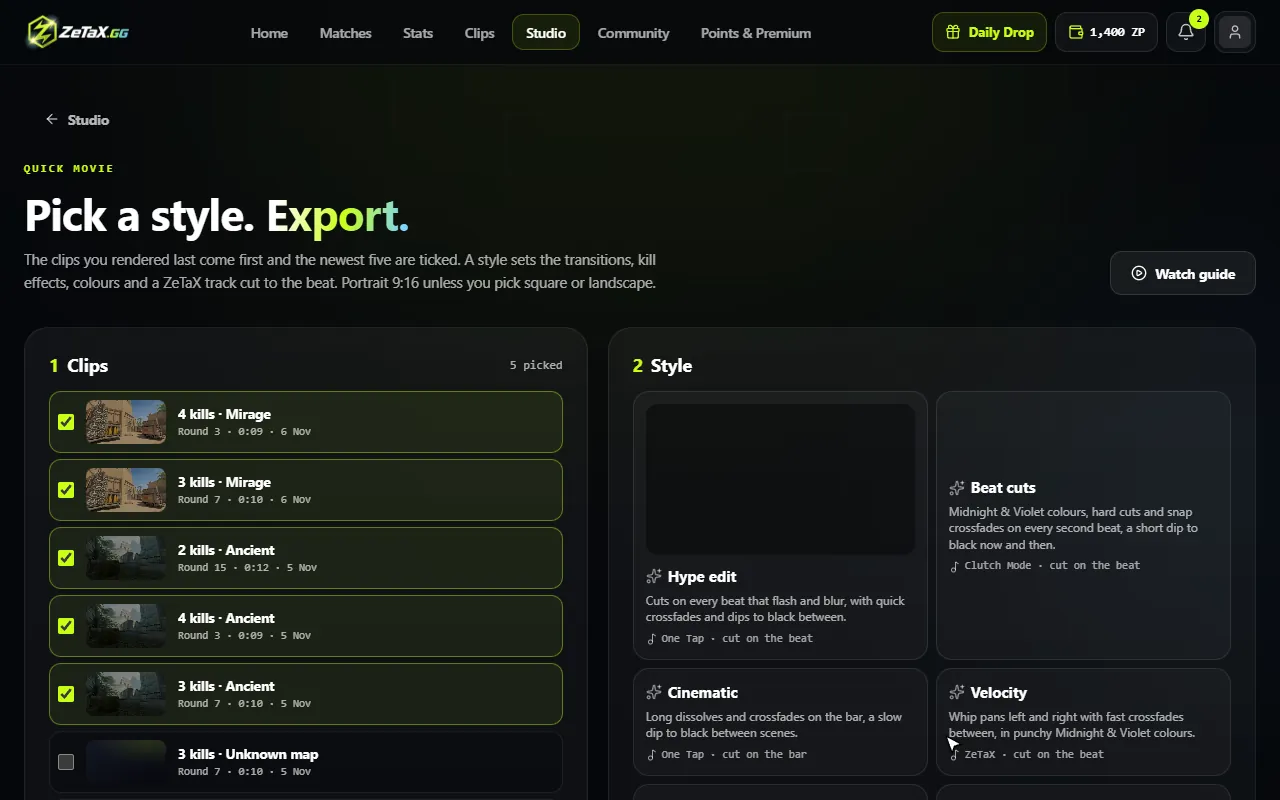
- Open Studio and choose Quick movie. Portrait 9:16 is the default.
- Pick a style; it sets the cuts, effects, colours and a ZeTaX track.
- Watch the free preview, then export. You can post to YouTube or TikTok straight from ZeTaX.
Questions
Can I also export landscape?
Yes: 16:9 for YouTube, 9:16 for TikTok, Shorts and Reels, and 1:1 for square feeds.
Can I use my own music?
Yes. Upload a track, or use a ZeTaX track that the styles cut to the beat.
What does a movie cost?
A movie export costs 500 ZP; the preview before it is free.