
Record CS2 clips without OBS or losing FPS
A screen recorder running next to CS2 costs frames, and you have to remember the hotkey at the right moment. Every CS2 match already leaves a demo behind, and that demo is enough to record any round afterwards.
How it works
- Play as usual, with nothing extra running.
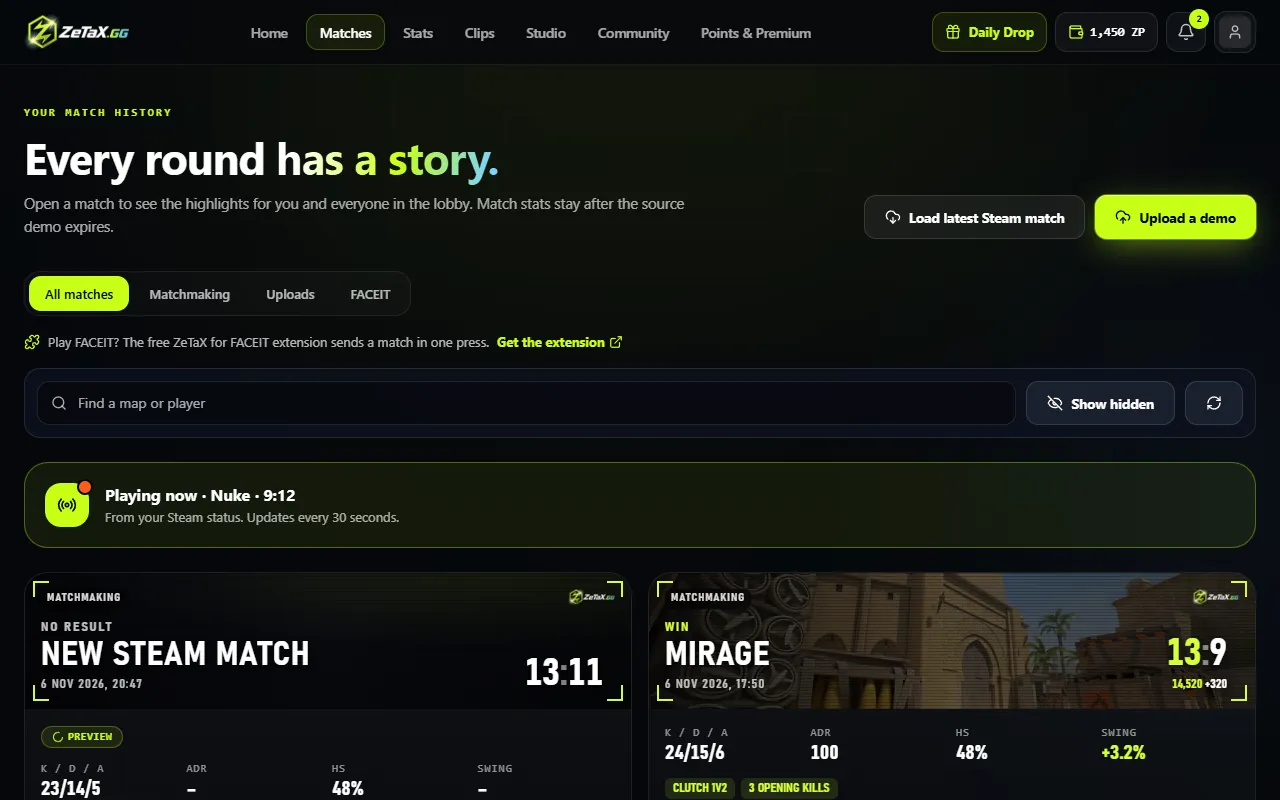
- After the match, ZeTaX imports it from your Steam match history (or you upload the demo).
- Your highlights are found for you; record the ones you want and download them.
What you get compared with a recorder
- Full game FPS while you play: nothing records on your PC.
- No missed moments: any round of the match can be recorded later, not only the last minute.
- Clean clips from your view, 60 fps, with the original game sound.
Questions
Do I need to install anything?
No. ZeTaX runs in your browser; the recording happens on ZeTaX servers.
How soon after the match?
Once the demo is imported, the highlights are listed within a few minutes.
Is it free?
New accounts get 500 ZP when they sign in with Steam, enough for 10 clips.